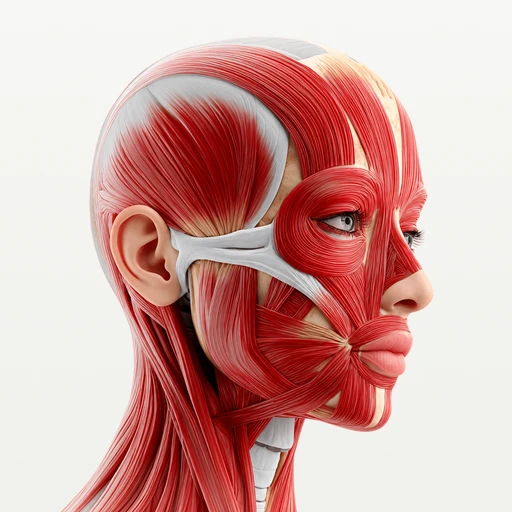
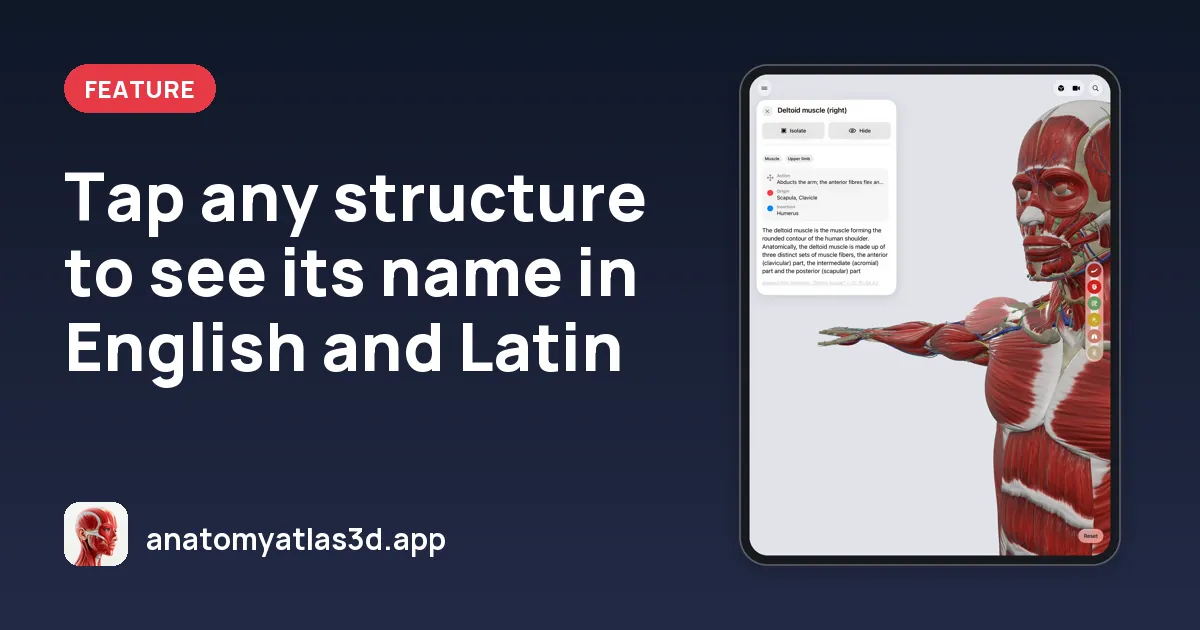
Tap any structure to see its name in English and Latin
Tap a structure in Anatomy Atlas 3D to see its English and Latin name from Terminologia Anatomica 2, with a definition. Search in English, Latin or French, typos included.
Anatomy has two vocabularies: the English names you use day to day and the Latin terms of the official terminology. Anatomy Atlas 3D gives you both on every structure.
Tap to name
Tap any of the 2,000 structures and it lights up while the rest of the body fades. Its card shows:
- the English name
- the Latin name from Terminologia Anatomica 2, the international reference
- a short definition
From there you can isolate the structure (only it remains on screen, framed), hide it to see what's underneath, or undo any step.
Search in three languages
The search finds structures by English, Latin or French name, and tolerates typos. Pick a result and the camera flies to the structure, sets it as the centre of rotation and opens its card.
Frequently asked questions
Which terminology does the app use?
Terminologia Anatomica 2 (2019), the international anatomical terminology, for the Latin names.
Can I search in French?
Yes. Search works in English, Latin and French. The app's interface is in English.