An anatomy quiz that works like the practical exam
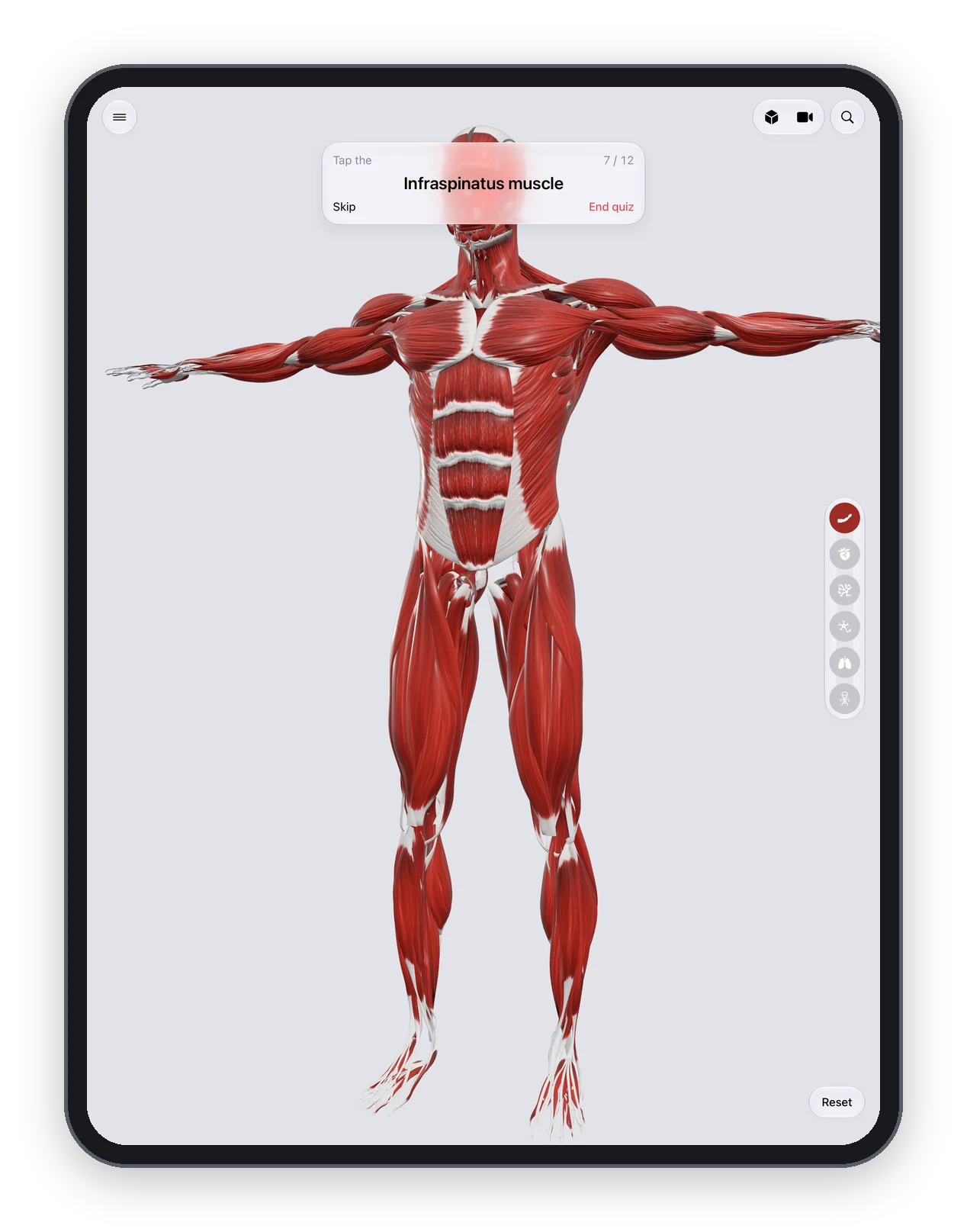
The Anatomy Atlas 3D quiz names a structure and you find it on the 3D body. Choose a region and systems, answer 15 questions and review the ones you missed. Free.
Reading a name and recognising it in a list is easy. Finding the structure on a body is what the practical exam asks, and it's what the Anatomy Atlas 3D quiz trains.
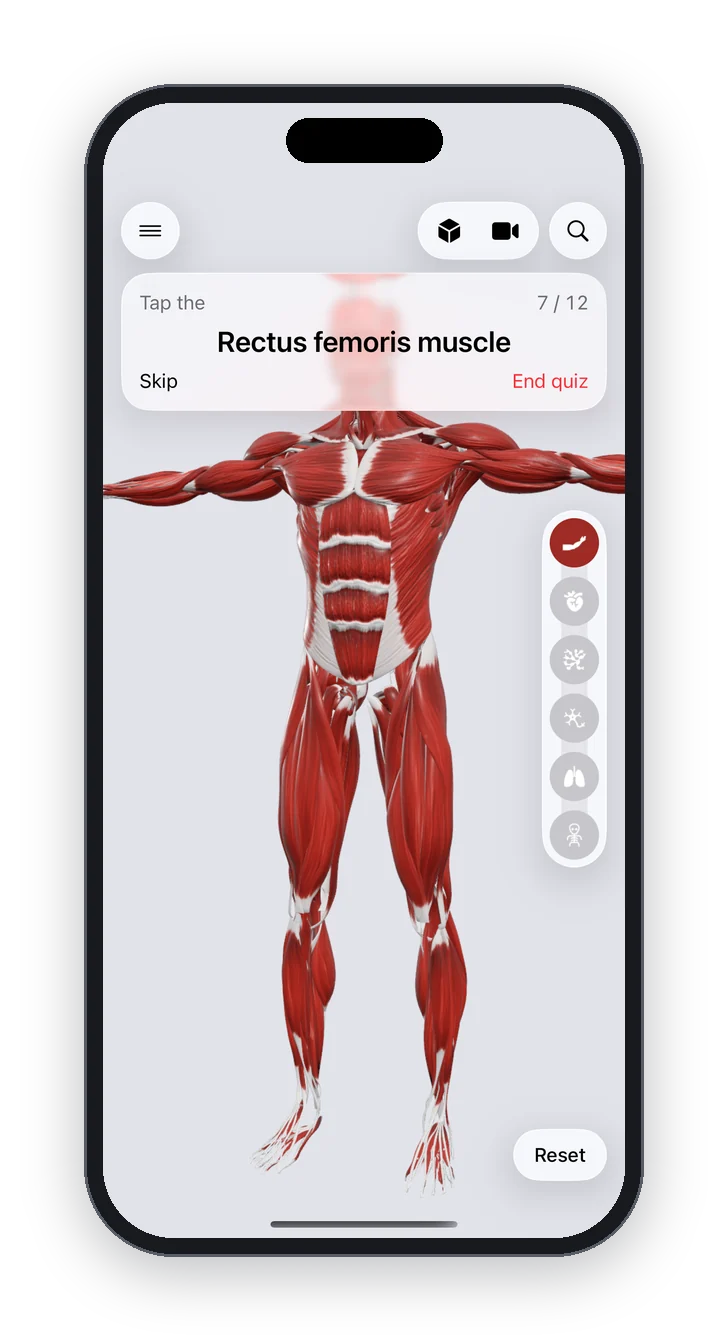
How it works
- Choose a region (head, neck, thorax, abdomen, pelvis, upper limb or lower limb) and the systems you're revising.
- The quiz names a structure. Tap it on the 3D body.
- Left or right both count. A structure partly hidden under another of the same layer still counts if you tap where it is.
- After 15 questions, see your score and the list of structures to review.
During a quiz, the systems you didn't pick are hidden and the name shortcuts are switched off, so nothing gives the answer away.
How to use it to revise
- Start with one region and one system, for example the muscles of the upper limb.
- Review the missed structures straight away: tap each one to open its card.
- Mix systems once you're confident: muscles and bones together, or vessels and nerves.
Frequently asked questions
Is the quiz free?
Yes, like the rest of the app. No account and no subscription.
Can I quiz myself on bones only?
Yes. Pick the skeleton system and the region you want.
How many questions per round?
Fifteen, with your score and a review list at the end.